
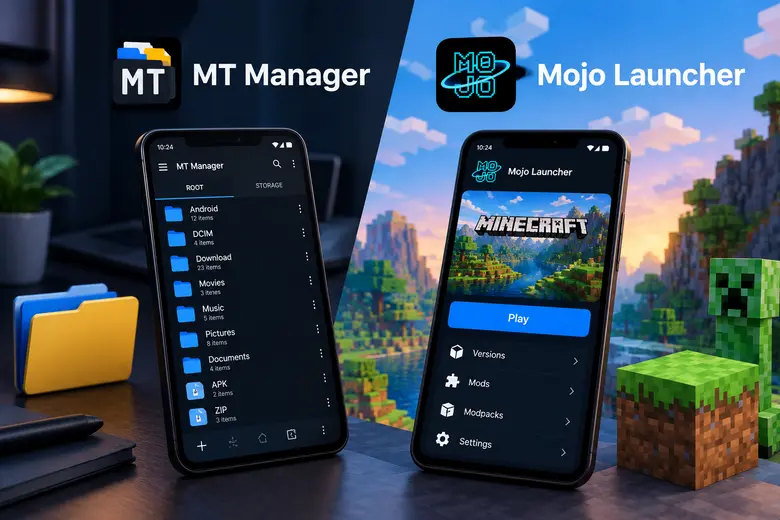
Android phones are not just for scrolling through social media or watching videos. For many years, they have also provided places to explore games, organize files, and try new ways to improve their mobile experience. MT Manager and Mojo Launcher are two apps that stand out for different reasons. One focuses on file management and working with Android application files, while the other brings Minecraft: Java Edition to Android. Together, they show how much variety the Android ecosystem offers to users who enjoy exploring beyond everyday apps.
MT Manager
App name: MT Manager
Publisher: Lin Jin Bin
Category: Tools
Required Android Version: Android 5 and Up
Overview
MT Manager is a useful tool for Android users that combines regular file management with more advanced tools for inspecting and working with supported Android application files. You can use it to copy, move, rename, and organize files without switching between several different apps. Its dual-panel interface is another helpful feature because it allows users to work with two directory locations in the same workspace. MT Manager also offers tools for examining APK packages and working with supported resources. There is no limit to editing files, you can access them anytime you want. Mod features of the MT Manager APK let you explore advanced options to manage files on your device.
Features
- Users can easily access their files and manage them.
- It unlocks direct editing of classes, ARSC, DEX files, and XML layouts inside application packages.
- Provides a high-performance text editor with syntax highlighting and replace functions.
- Removes built-in ads, usage limits, and advanced transitions.
- Access to built-in backup and synchronization.
Mojo Launcher
App name: Mojo Launcher
Publisher: Artdeell
Category: Tools
Required Android Version: Android 5 and Up
Overview
Mojo Launcher, also known as MJLauncher, is designed to run Minecraft: Java Edition on Android. It gives players a way to explore the Java Edition experience on a compatible mobile device rather than relying entirely on a computer. There is no need for any complex PC setups, its interface and setup process are also very easy. It is also worth remembering that a launcher does not automatically make every Minecraft version or mod compatible with every phone. Checking compatibility before setting up a particular version can save time.
Features
- Users can pick any version from a range of older to newer releases in one place.
- Android users can easily access it because of its lightweight and simple design.
- It reduces distractions like ads or pop-ups that appear during setup.
- Supports the PC version of Minecraft directly on Android devices.
- Custom touch controls so users can easily drag, reposition, and change the size of any buttons.
How to download these apps?
Follow these steps:
- First, open any browser on your Android device.
- Visit happymodprime.com.
- Search “MT Manager” or “Mojo Launcher” in the search bar.
- Click on the article, read it, and scroll down.
- Click on the download button and wait till the download is complete.
A Few Things to Check Before Installing
Before installing apps, take a moment to check the source and your device’s compatibility. Keep a copy of important data before editing application files or making changes that could affect them. Only modify application files when you have the right to do. Minecraft versions, mods, and graphics options can have different requirements. MT Manager’s advanced operations may also vary depending on Android restrictions.
Final Thoughts
The best Android apps are not always the ones that try to do everything. Sometimes, a focused tool is more useful because it does one particular job well. MT Manager is suited to users who want better control over their files and access to advanced APK-related tools. Mojo Launcher is aimed at Minecraft fans who want to explore Java Edition on Android, with support for different versions, controls, and compatible modifications. Both offer something different to the Android community. Understanding what each app does will help you decide which one deserves a place on your device.

 English
 Arabic
 French
 Spanish
 Deutsch
 Turkish
 Dutch
Dutch
 Italiano
 Russian
 Romaian
 Portuguese (Brazil)
 Greek
Greek